
Open a GPX file, or start from a blank map
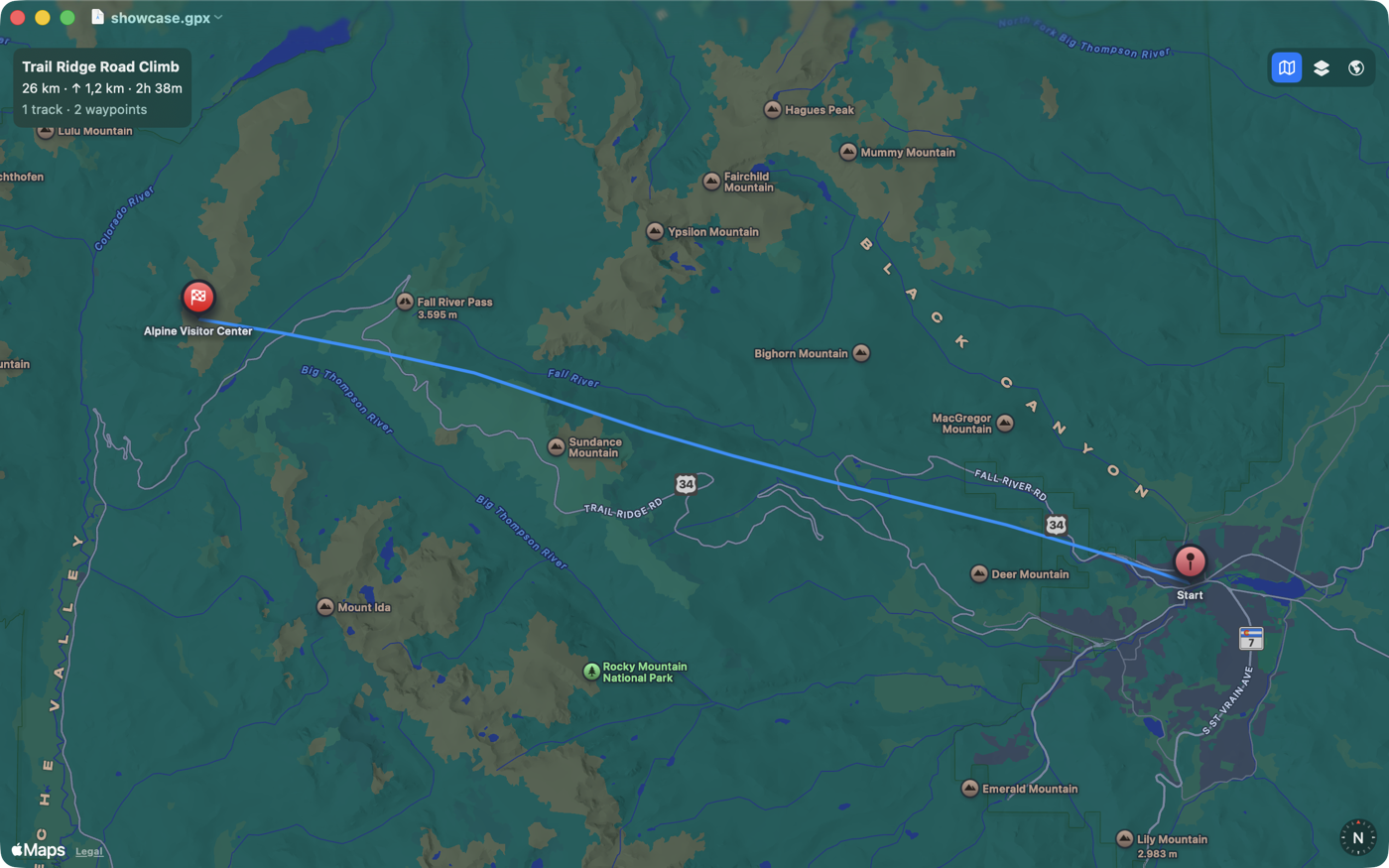
Double-click any .gpx file — exported from Strava, Garmin, Komoot, or any GPS
device — and GPX Routecraft opens it straight onto an interactive map. No import step, no
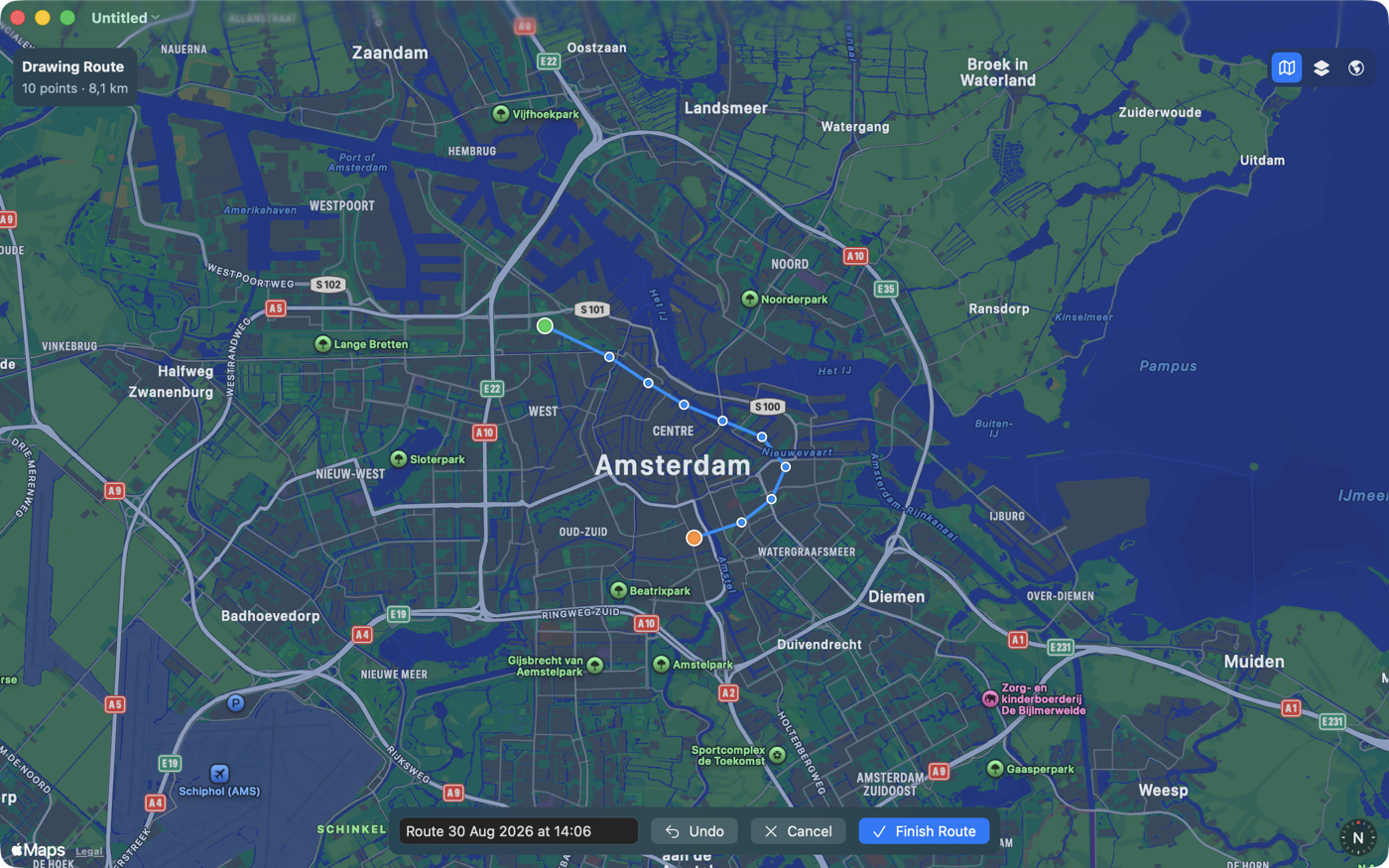
account, no upload. Or start from an empty map and draw a route yourself, one point at a time.
View
- Tracks, routes, and waypoints rendered directly on Apple's maps
- Distance, elevation gain, and duration calculated automatically from the file's own coordinates and timestamps
- Clear green start and red finish flags at every track and route's endpoints
- Switch between Standard, Hybrid, and Satellite map styles with one click
- Handles multiple tracks, routes, and waypoints within a single file
Create
- Draw a route by clicking points directly on the map
- Zoom and pan freely while you plot, at any level of detail
- Live point count and running distance as you build
- Undo the last point at any time
- Save as a standard
.gpxfile that works with any GPS device or service - Everything stays on your Mac — no accounts, no analytics, no tracking
Screenshots
Support
Something not working, or a feature you'd like to see? Get in touch: